- Search for the program "Gaussview" and start it up!
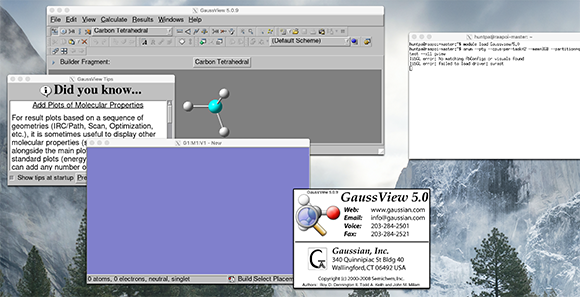
- You should see a number of windows appear, something like the image below (I am using a mac) so yours may be slightly different
- the gaussview 6.0 window should disappear quite quickly
- you can get rid of the "did you know" hints window
- the grey window with buttons and a molecule, has all the gaussview controls
- the blue/purple window has nothing in it, yet!. This is where you will be building your molecule
- When you are ready move onto the next step
